
User Evaluation · AI pipeline optimisation
AI research, with less cost per job.
View the product ↗AI research, with less cost per job.
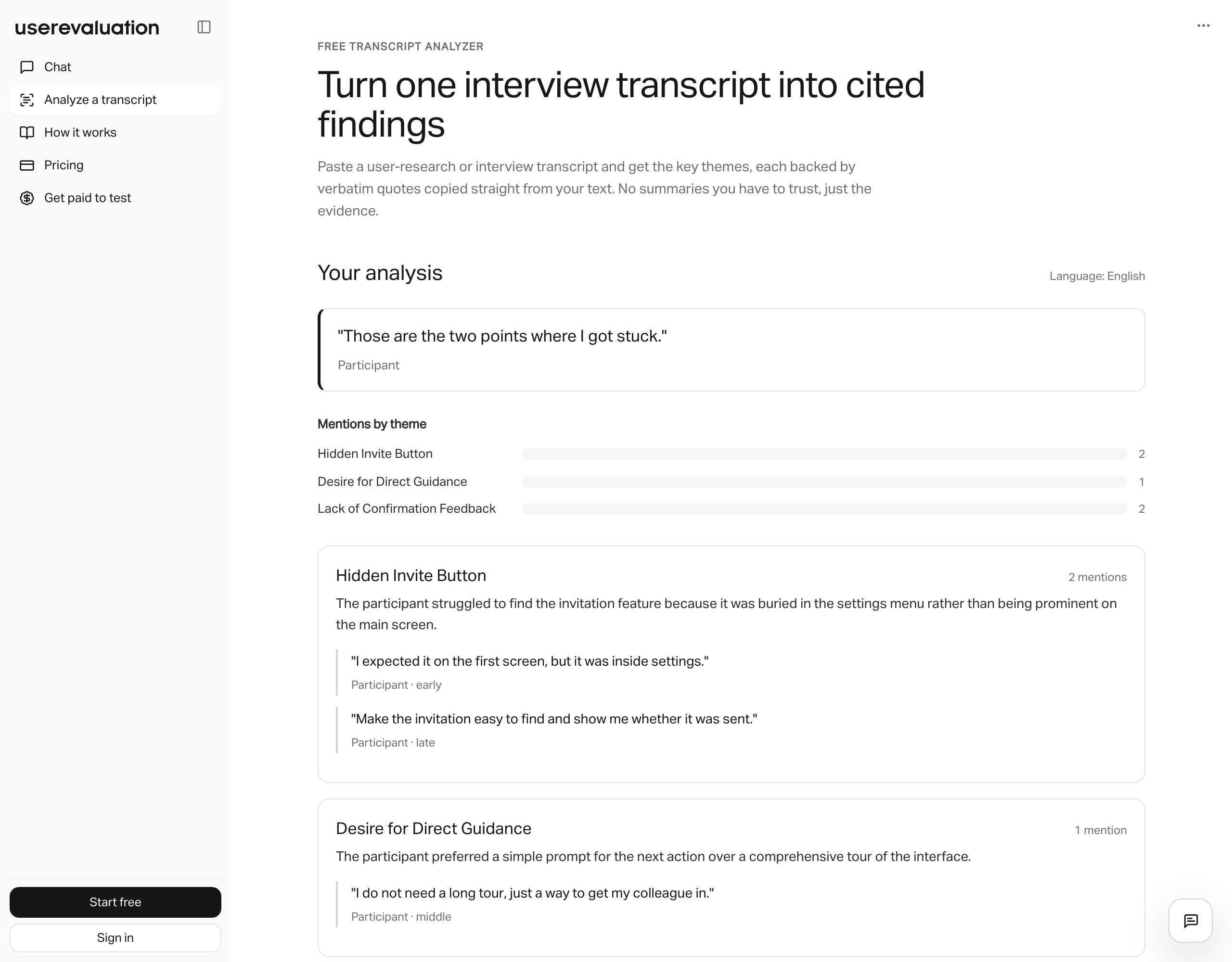
User Evaluation turns interviews into findings backed by source material.
We optimised the AI pipeline behind its transcription, chat and reports, reducing the cost of each job while preserving its internal quality benchmarks.
Our role
User Evaluation already had a working research product. Our engagement focused on the infrastructure behind it: model selection, transcription, synthesis and the checks that protect output quality.
The brief
Keep research useful as usage grows.
Processing audio, video and text adds an inference cost to every research session. As volume grew, User Evaluation needed to reduce that cost and the time spent waiting for synthesis.
The existing pipeline and its quality benchmarks gave us a starting point. We measured the stages, identified where model capacity was being wasted, and tested targeted changes.
What we changed
Change the pipeline. Check the output.
We worked within their existing infrastructure. Each change had to earn its place against the internal eval suite.
- 01
Measure each stage
Audit the cost and latency of calls across transcription, synthesis and reporting.
- 02
Match models to tasks
Use lighter models where they meet the quality bar. Keep larger models where the task needs them.
- 03
Reduce repeated work
Batch transcription where timing allows, shorten synthesis prompts and cache repeated retrieval.
- 04
Check before release
Run changes through the regression harness, then monitor per-call cost and latency in production.
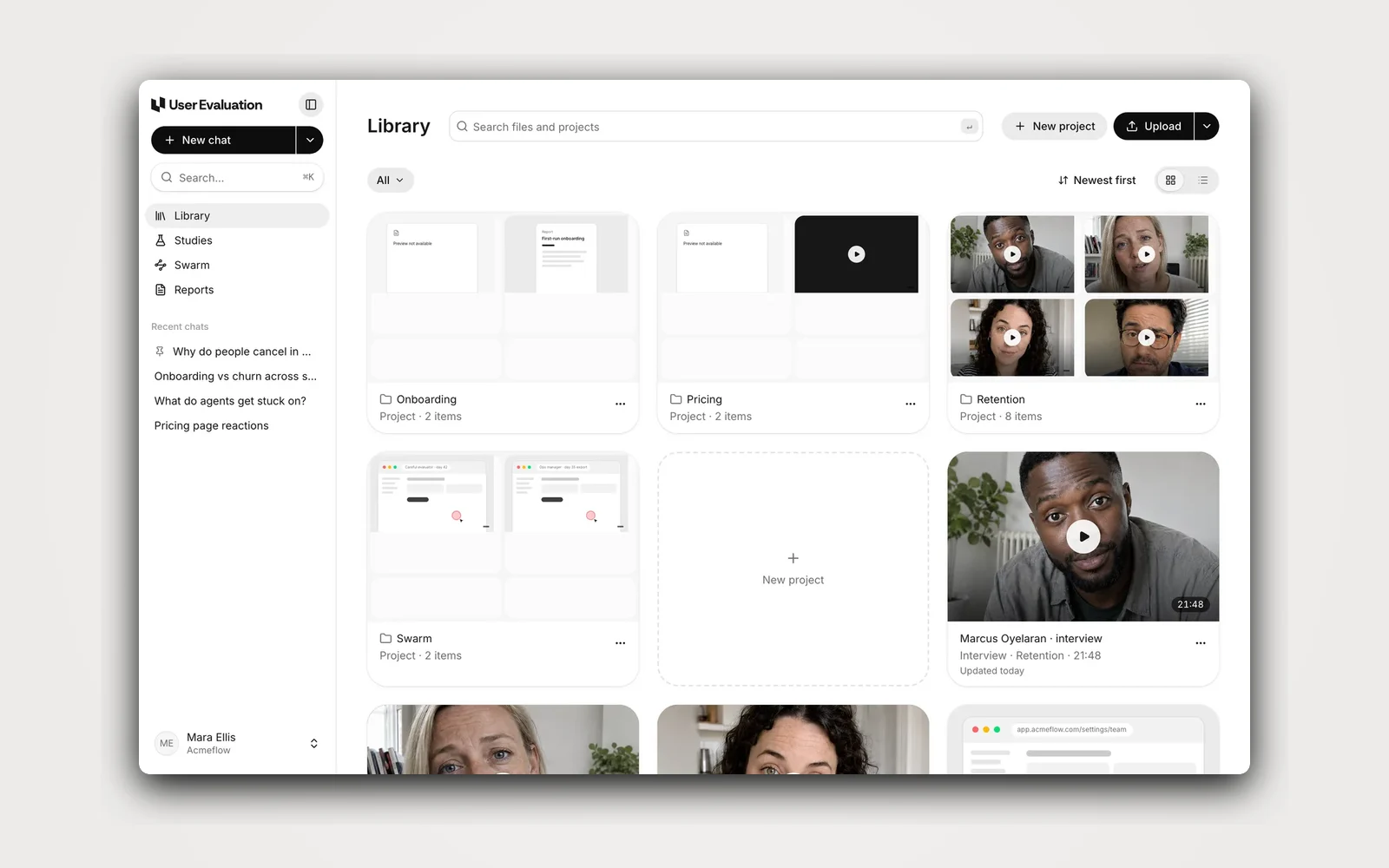
[Demo] — User Evaluation
- 01 / 06
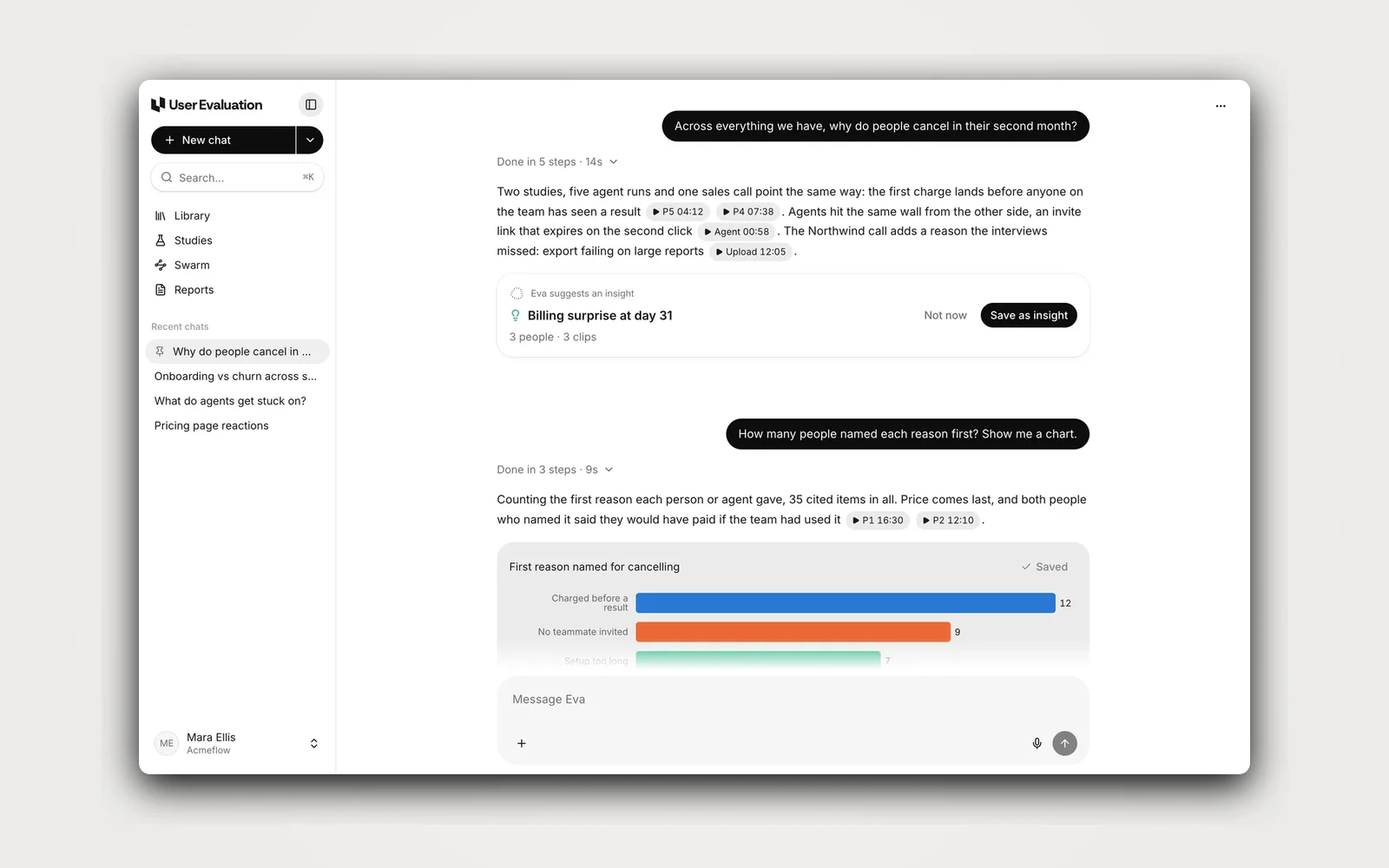
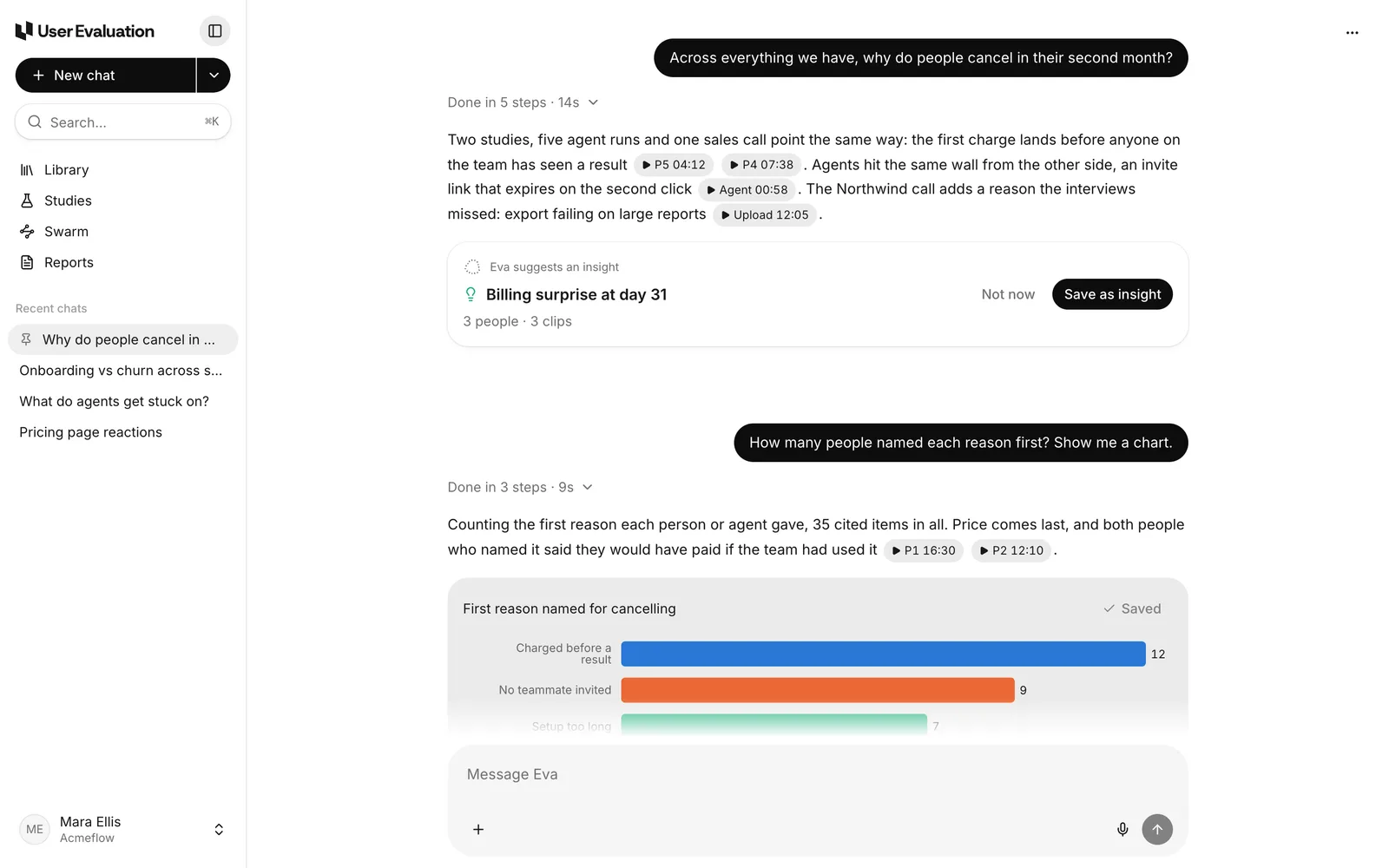
Ask Eva about all your research
Eva searches every study, agent run and upload. Each answer cites the clips it uses.
- 02 / 06
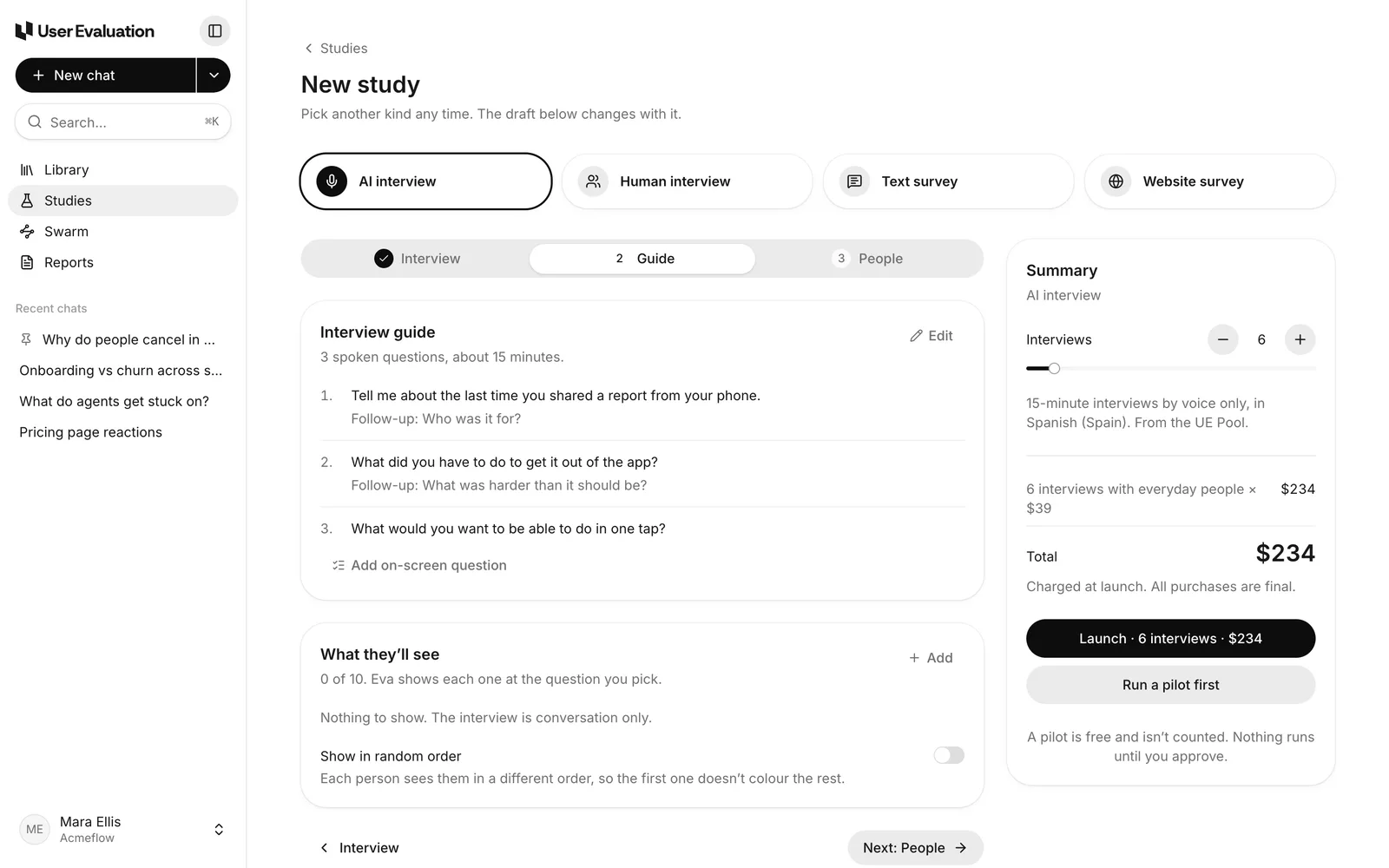
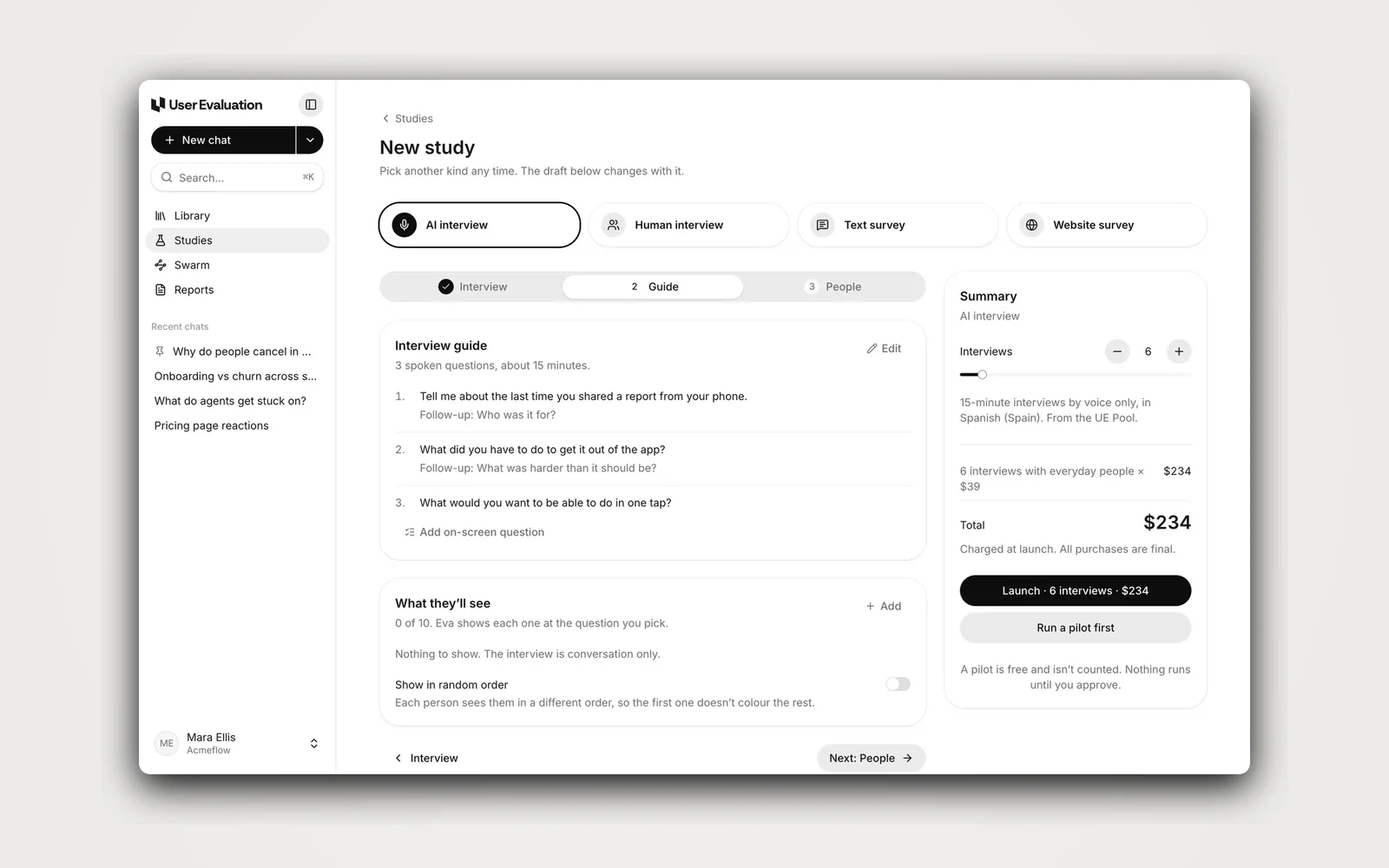
Plan a study in minutes
Eva writes the interview guide, and the summary shows the interviews and the total price before launch.
- 03 / 06
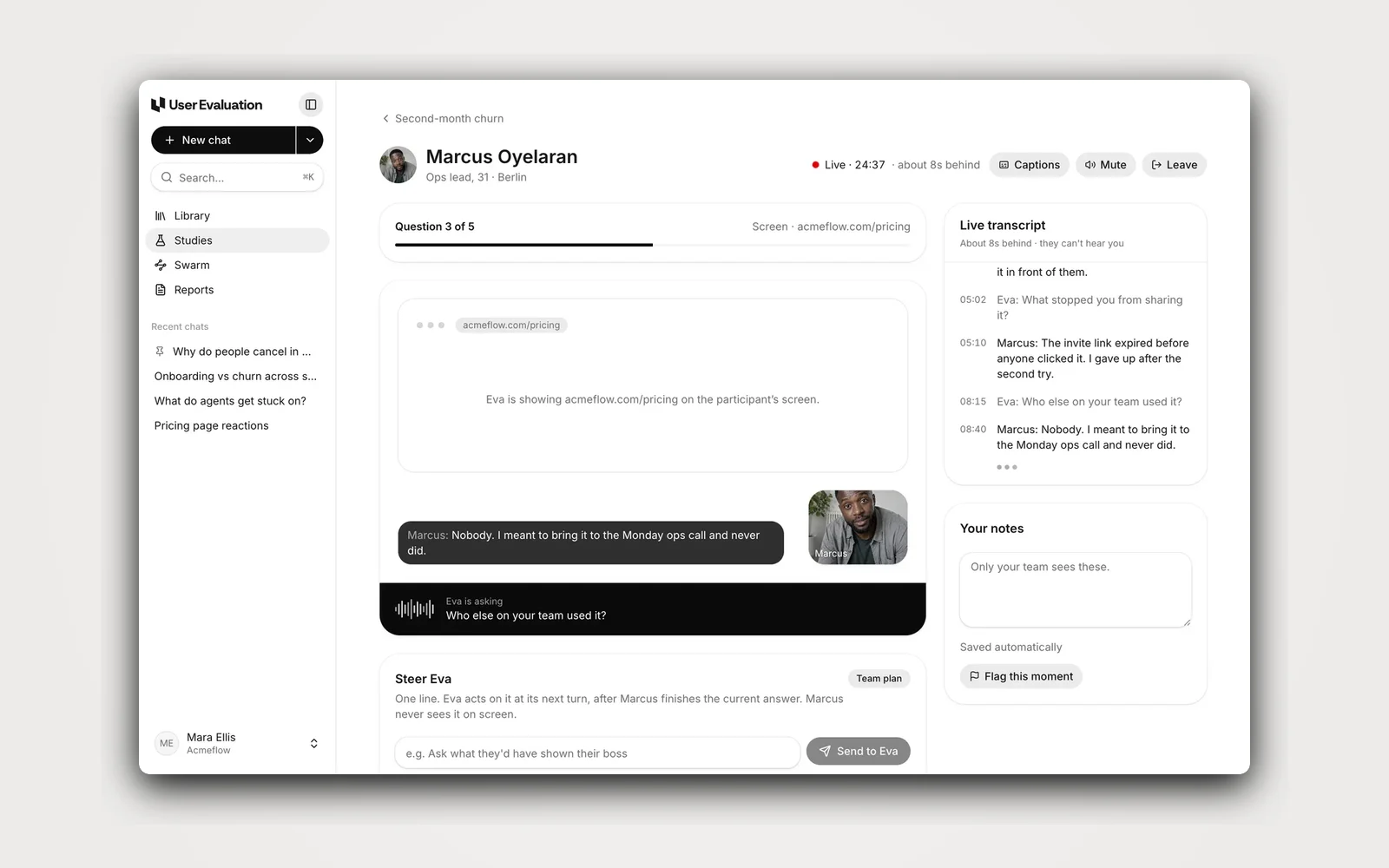
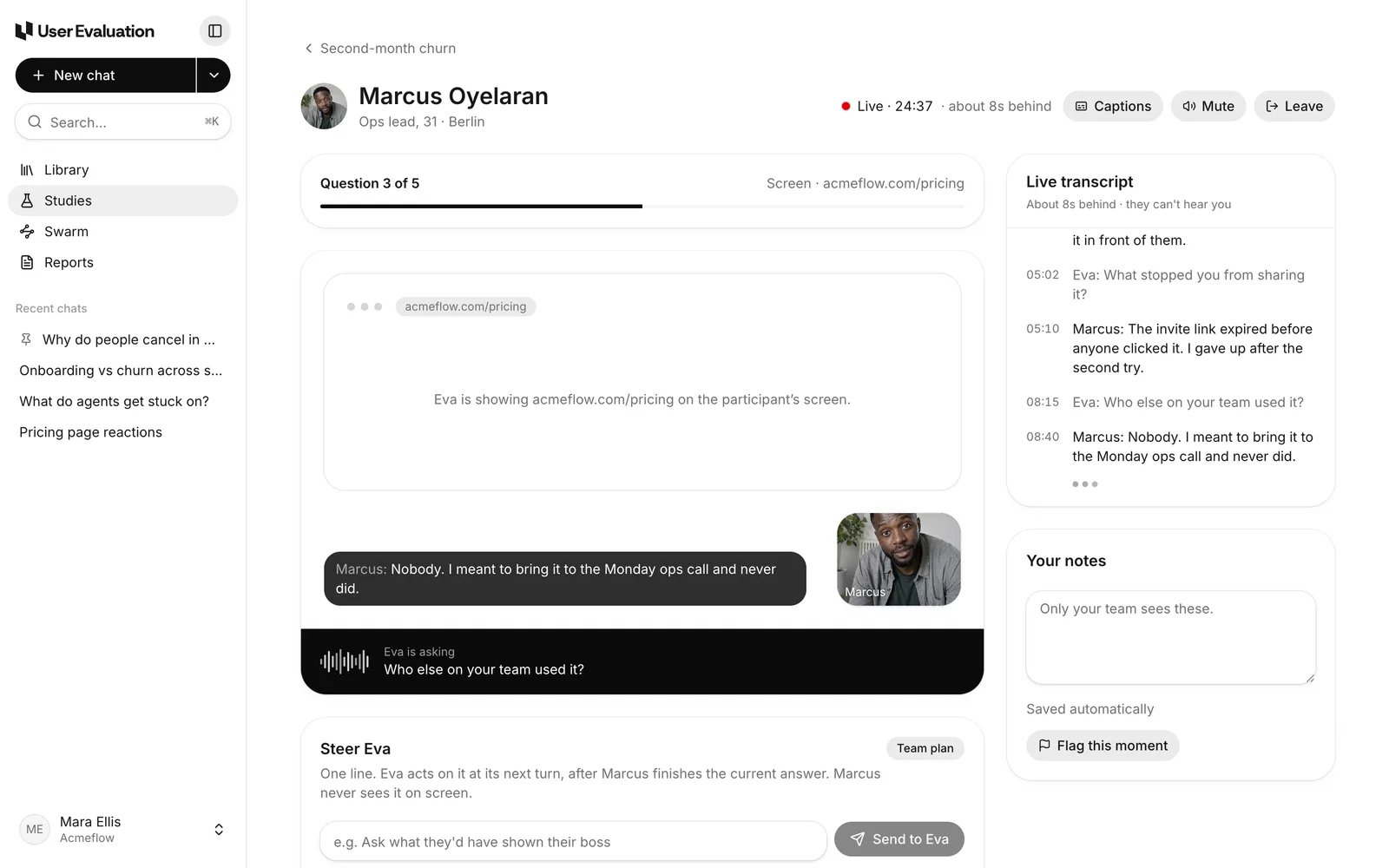
Watch interviews live
Eva runs the interview by voice. Follow the live transcript and send one line to steer the next question.
- 04 / 06
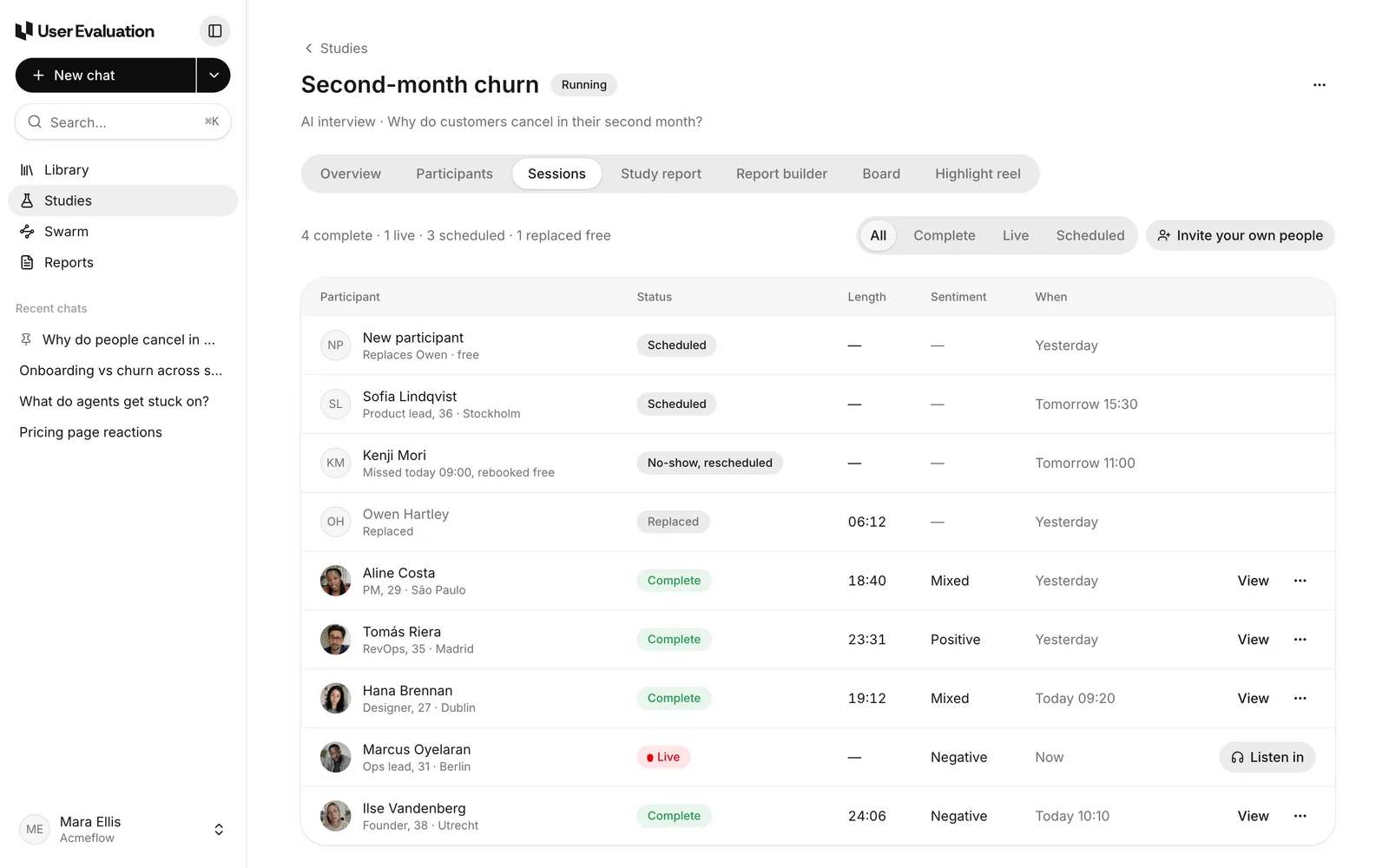
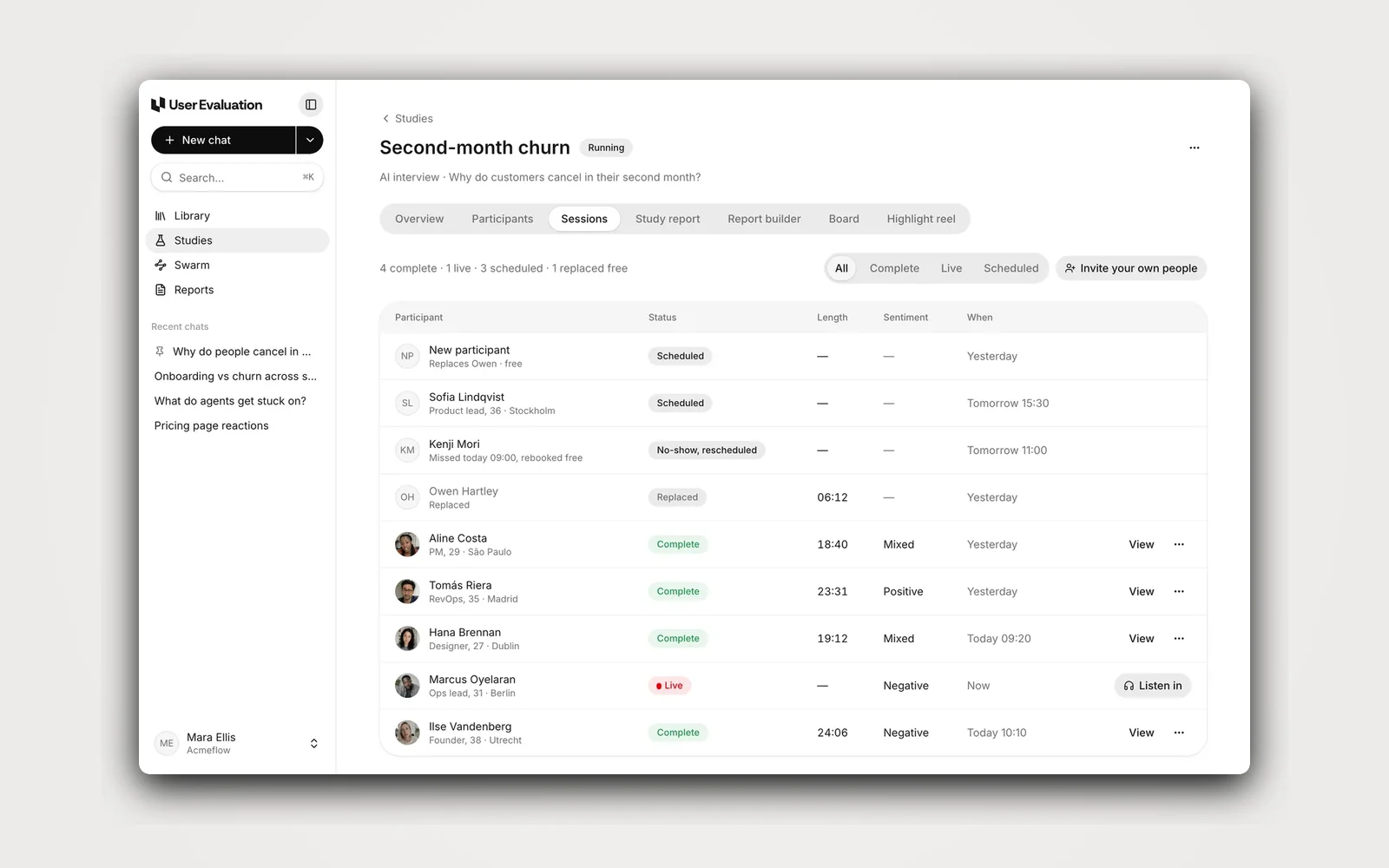
Track every session
Status, length and sentiment for each interview. No-shows are rebooked and replaced free.
- 05 / 06
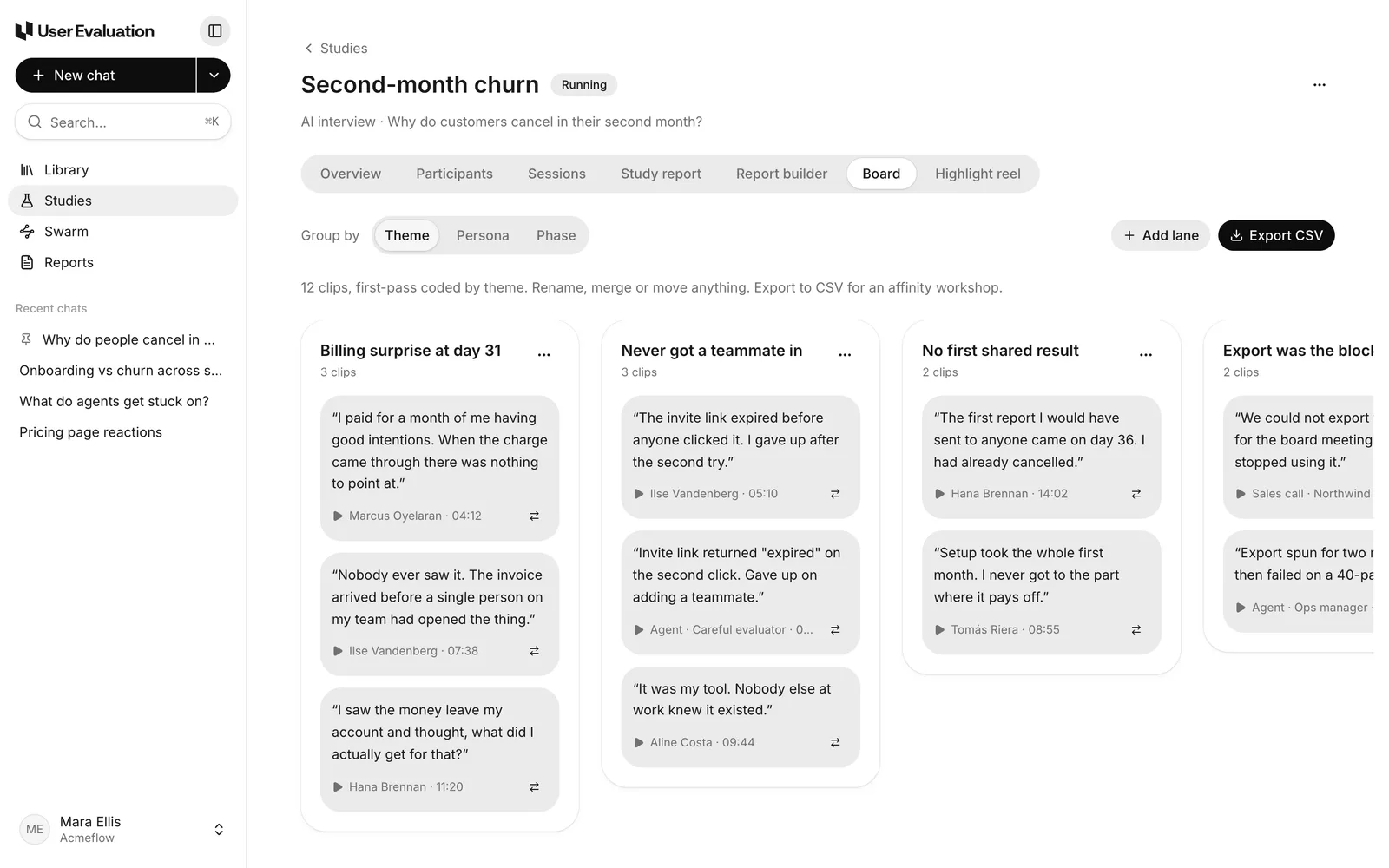
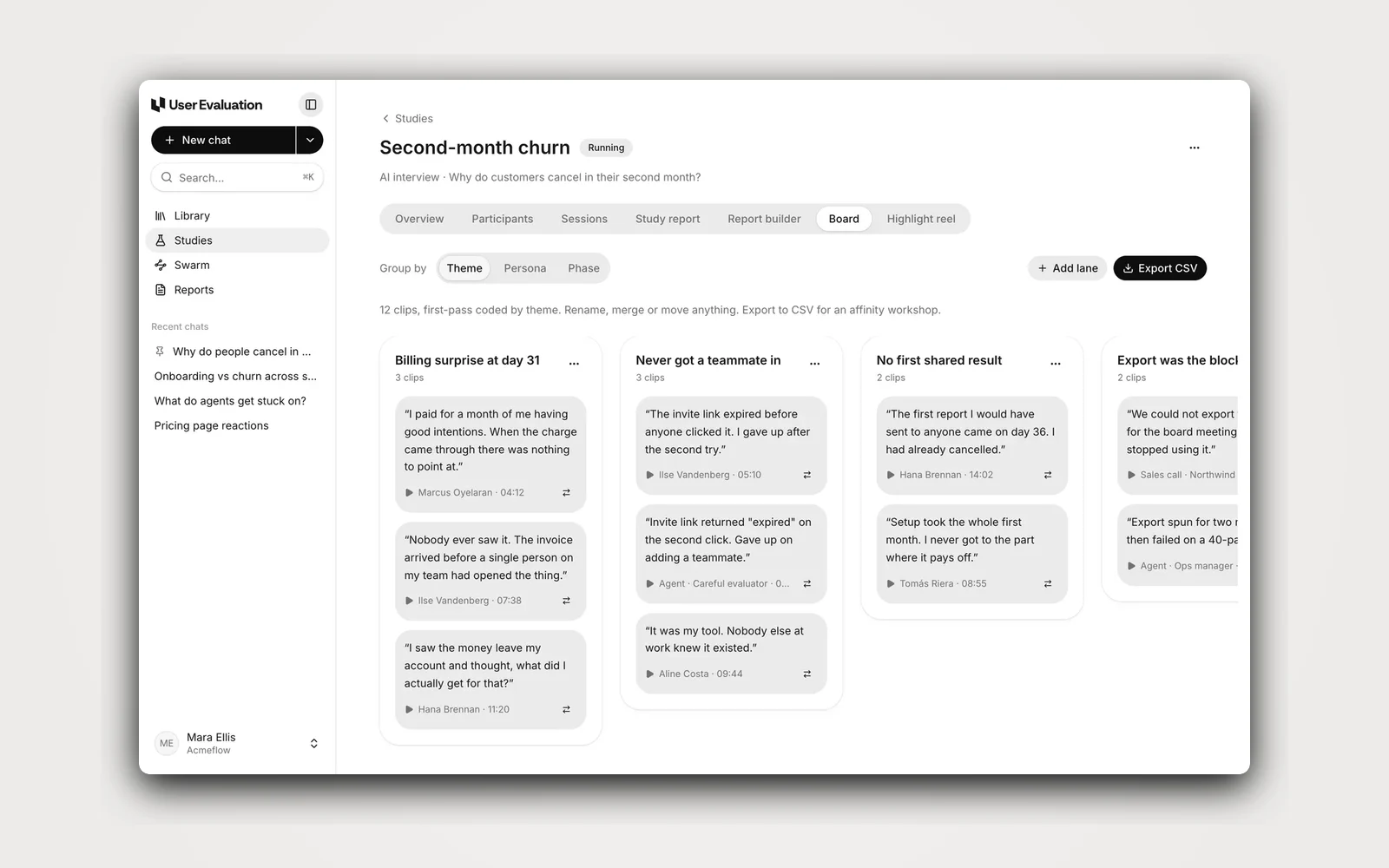
Sort clips into themes
The board codes every clip by theme on a first pass. Rename, merge or move cards, then export to CSV.
- 06 / 06
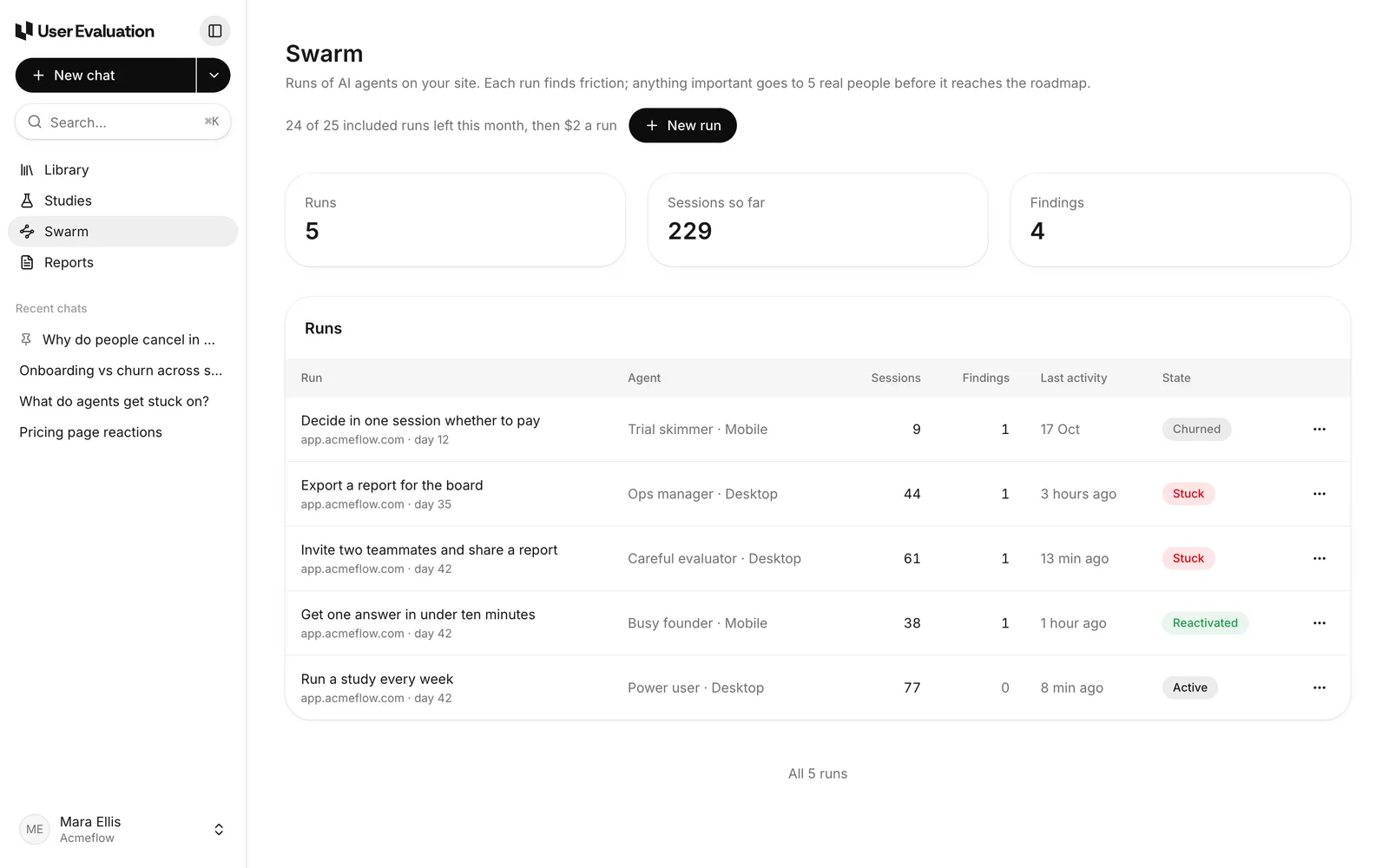
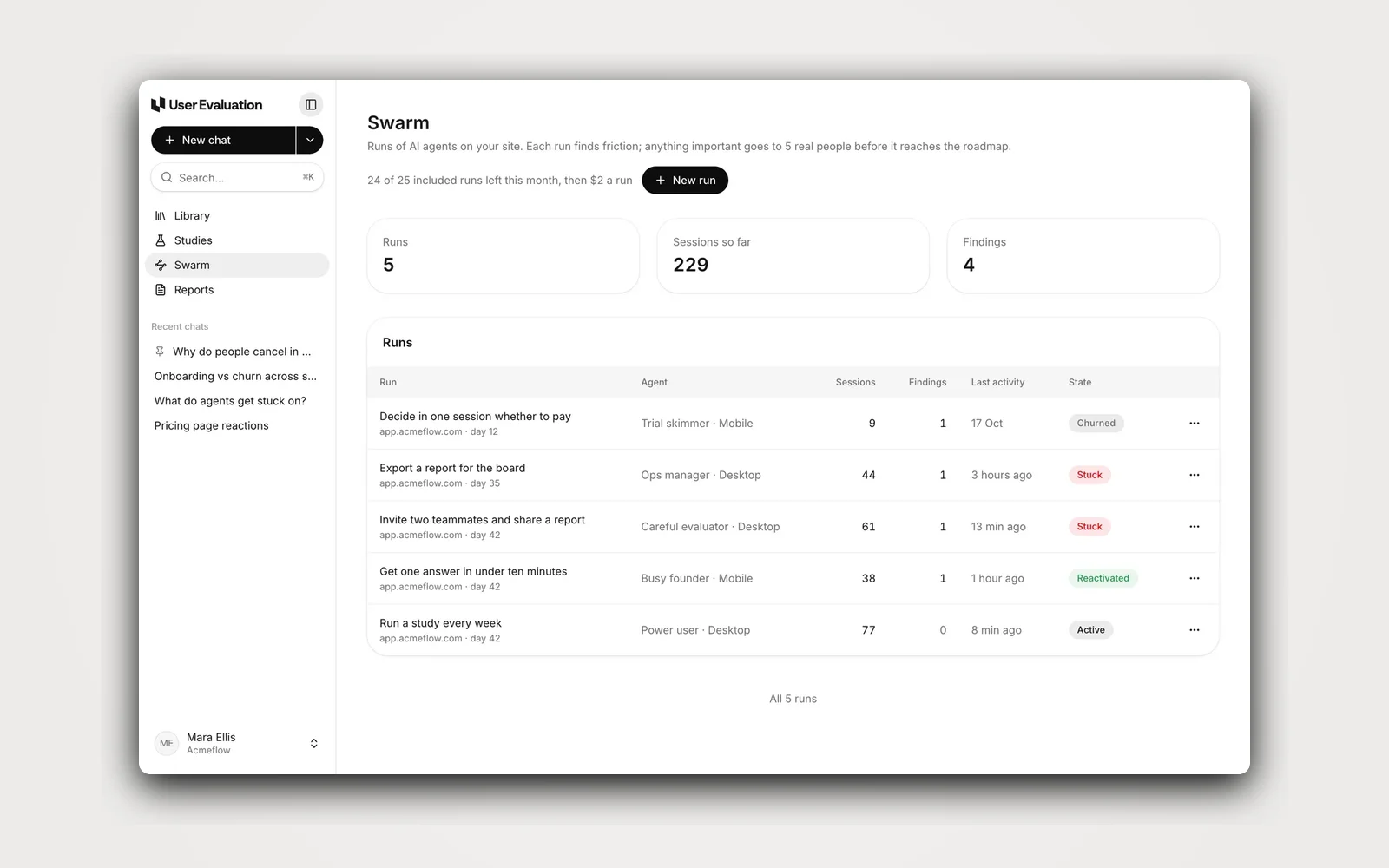
Test your site with AI agents
Swarm sends agents with different personas through your site and records the friction they find.
The results
Lower per-job cost
On the optimised AI research pipeline.
Faster synthesis
Median end-to-end synthesis at the new model mix.
Eval regression
Measured against their internal evals across the optimised paths.
More work
 AI · developer infrastructureFreeLLMAPI · open inference router
Every free model, behind one key.
An open-source, self-hosted router that turns hundreds of free LLM endpoints into one OpenAI-compatible API.605Free modelsRead the case study →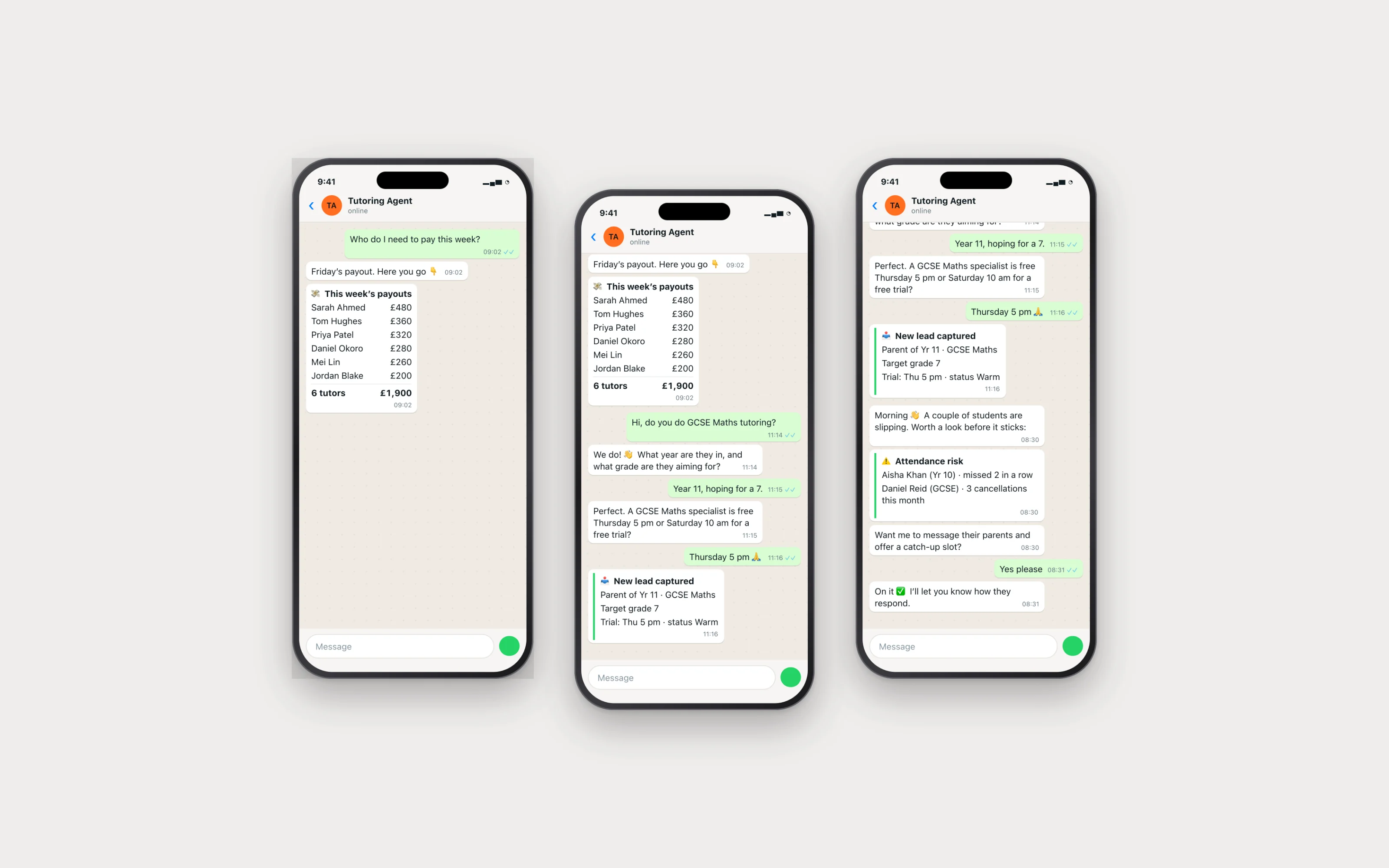 EducationTutor operations agent
The whole back office, on WhatsApp.
A single WhatsApp agent runs tutor check-ins, parent reports, and weekly payouts for a tutoring business.78%Admin hours savedRead the case study →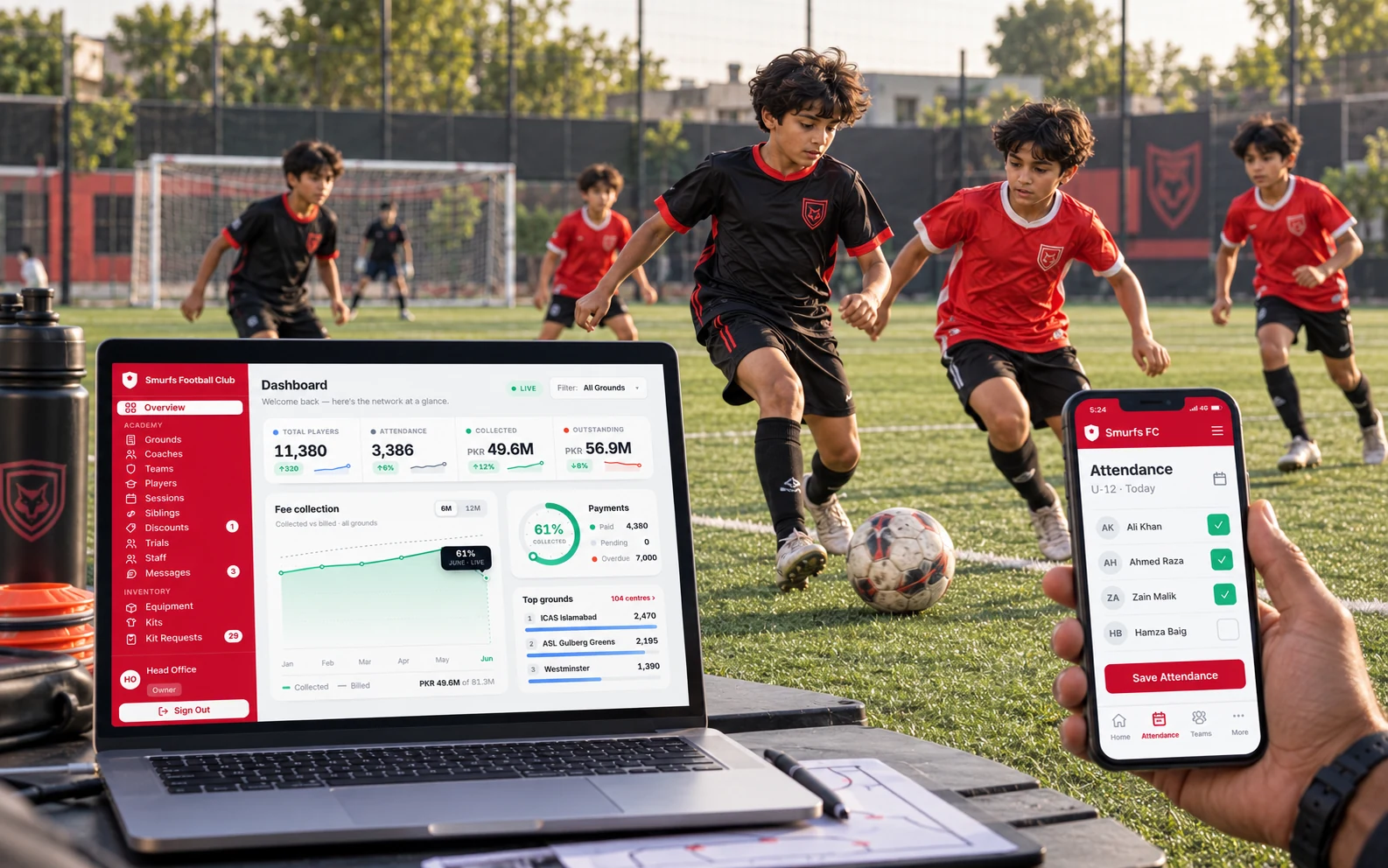 Sports · academy opsSmurfs FC · the academy OS
The academy OS for Pakistan’s largest club.
The back-office software for Pakistan’s largest football academy: enrolment, fees, comms, reports.95%+On-time fee recoveryRead the case study → Education · EdTechFind Tutor Web · the learning platform
A learning platform that wrote itself.
A full learning platform: 921 interactive lessons, live simulations, auto-marked mocks, and progress tracking across four exam boards, all written end to end by AI pipelines.921Interactive lessons liveRead the case study →